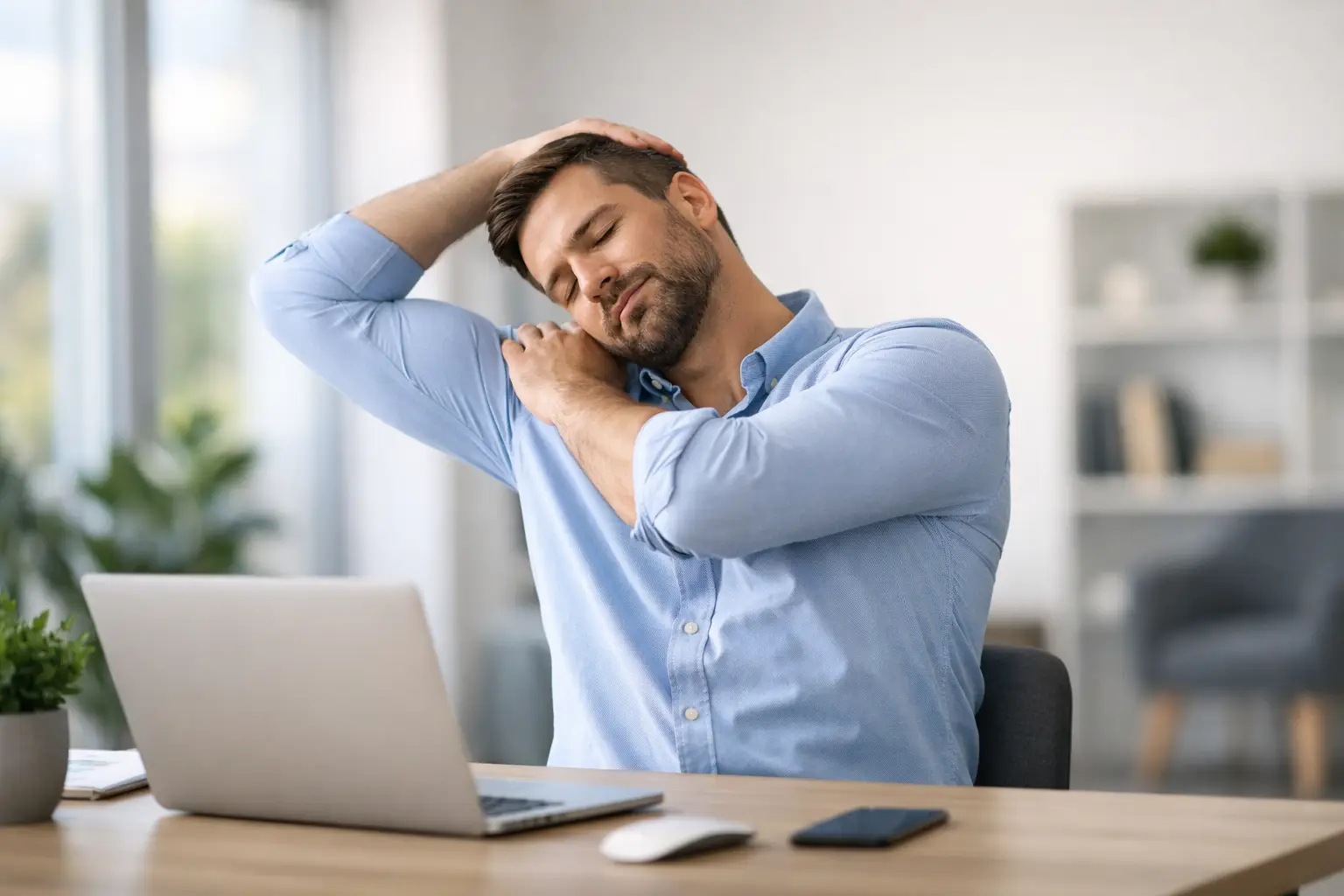
That tight neck by noon, the low back ache after one flight, the weird mix of brain fog and shoulder tension after a long laptop session - none of that starts with your chair alone. The best exercises for laptop stiffness are the ones that do more than stretch a cramped muscle for 20 seconds. They need to restore motion, wake up underused support patterns, and reduce the control-system strain that keeps pulling your body back into the same locked position.
That is where most desk advice falls apart. You get told to sit straighter, buy a better stand, maybe do a chest stretch, and hope the problem goes away. But if your body keeps defaulting into stiffness, fatigue, poor sleep, and mental drag, the issue is usually bigger than posture. Laptop work exposes the pattern. It does not always create it.
Why laptop stiffness keeps coming back
Laptop stiffness is predictable because the laptop position compresses your whole system. Your eyes pull down, your head drifts forward, your ribs stop moving well, your hips stay flexed, and your nervous system settles into a low-grade stress loop. Then you stand up and wonder why your body feels 20 years older than it should.
The usual fix is local. Stretch the neck. Roll the shoulders. Maybe crack the back. That can help for a few minutes, but it misses the chain reaction. If the rib cage is restricted, the neck works harder. If the hips are locked, the low back overworks. If your internal regulation is off, even good movement will not hold for long.
This is the contrarian point most people need to hear - stiffness is often a system signal, not just a muscle problem. Your body has control patterns. When one zone starts driving poorly, your compensation shows up where you can feel it most.
The best exercises for laptop stiffness target the pattern
You do not need a 45-minute mobility routine between calls. You need a short sequence that changes position, breathing, and control. These nine movements are effective because they work through the areas laptop workers lose first: rib mobility, neck alignment, shoulder support, spinal rotation, hip extension, and calf-ankle pump.
If one move feels amazing and another feels awkward, pay attention. That usually tells you where your real restriction lives.
1. Chin tuck with back-of-head reach
Sit or stand tall. Gently pull your chin straight back without tipping your head down. Then imagine the back of your head reaching up toward the ceiling. Hold for five slow breaths.
This looks simple because it is. It is also one of the fastest ways to interrupt the forward-head pattern laptop users live in. The goal is not military posture. The goal is to reduce neck compression and let the upper spine stack better.
2. Wall chest opener with exhale
Stand beside a wall and place your forearm on it with the elbow slightly below shoulder height. Turn your chest away until you feel a stretch across the front of the chest and shoulder. Now exhale fully for four to five seconds and let the ribs soften instead of flaring.
That exhale matters. If you only crank the arm back, you can stretch tissue without changing the position that created the problem. The chest opens better when the ribs come back under control.
3. Seated thoracic rotation
Sit near the edge of a chair with feet flat. Cross your arms over your chest and rotate your upper body to one side without twisting the knees. Pause, breathe, then rotate to the other side for six slow reps each.
Laptop stiffness often feels like a neck issue when it is really an upper-back issue. If the thoracic spine will not rotate, the neck becomes the swivel joint. That is a bad trade.
4. Hip flexor split stretch with glute squeeze
Kneel with one foot forward and one knee down. Tuck the pelvis slightly and squeeze the glute on the kneeling side before shifting forward. Hold for 20 to 30 seconds, then switch.
This is one of the best exercises for laptop stiffness because sitting traps the hips in flexion for hours. Still, do not force range. You want a front-of-hip opening without dumping into the low back. The glute squeeze keeps the stretch honest.
5. Standing back pocket reach
Stand tall and reach both arms slightly behind you as if you were trying to slide your hands toward your back pockets. Keep the ribs down and the chin level. Hold for three breaths and repeat five times.
This helps counter the rounded-shoulder, internally rotated position that laptops encourage. It is subtle, but that is part of why it works in the middle of a workday. No floor space. No outfit change. No drama.
6. Cat-cow with slow breathing
On hands and knees, round your back as you exhale, then extend gently as you inhale. Move slowly for eight to ten cycles.
Done well, this is not just a spine warm-up. It reconnects breath to motion and reduces the rigid bracing many remote workers do all day without noticing. If your back feels pinchy in extension, make the movement smaller.
7. Glute bridge with full foot pressure
Lie on your back with knees bent and feet flat. Press through the full foot, squeeze the glutes, and lift the hips without arching the lower back. Pause for two seconds at the top and do eight to twelve reps.
Weak or sleeping glutes make the hips and low back pay the price. Bridging helps restore posterior support, which matters if standing up from your laptop feels harder than it should.
8. Calf raises and ankle pumps
Stand and rise onto the balls of your feet for 15 to 20 reps. Then rock back to lift the toes. If you have been sitting for hours or traveling, do this more often than you think you need.
It sounds basic, but your lower legs are a circulation engine. Long laptop sessions slow that pump down. Better blood flow often helps reduce that heavy, stiff, compressed feeling in the whole body.
9. Crocodile breathing
Lie face down with your forehead resting on your hands. Breathe into the belly and lower ribs so your torso gently expands into the floor. Take six to ten slow breaths.
This is the reset most high-strung workers skip because it looks too easy. Bad move. If your system is stuck in shallow chest breathing, you can stretch all day and still feel wired and tight. Better breathing changes muscle tone from the inside.
How to use the best exercises for laptop stiffness
Do not treat these like a random wellness playlist. Sequence matters. Start with breathing or upper-body repositioning, then move into spine and hip work, and finish with glutes or calf activation. That order helps your body accept the new position instead of snapping right back into the old one.
For most people, 8 to 12 minutes is enough. Pick five exercises and run them once in the morning, once after a long work block, or after travel. If your body is extremely stiff, shorter sessions done more often beat one aggressive session that leaves you sore and annoyed.
There is also a trade-off here. If you only do relief work when pain spikes, you will keep living in recovery mode. If you do a small amount before the crash, you stay more mobile and productive.
When exercise alone is not enough
If your stiffness comes with poor sleep, digestive weirdness, recurring fatigue, tension headaches, or brain fog, that is your clue. The body is not just mechanically tight. It may be running an imbalanced control pattern.
This is where generic desk ergonomics misses the mark. It assumes the body is a machine with a bad setup. Sometimes that is true. Often, the setup is just exposing a deeper imbalance in regulation, energy distribution, and movement control.
That is the premise behind the Zone System approach. Instead of guessing which stretch might help, you identify which zone is likely driving the pattern, then match your correction more precisely. For someone with laptop stiffness plus adrenal-type fatigue, the strategy may look different than it does for someone with upper digestive tension, poor breathing mechanics, and chronic neck locking.
Precision beats random self-care every time.
A smarter way to judge progress
Do not just ask, does it hurt less right now? Ask better questions. Is it easier to sit without collapsing? Do you get less foggy in the afternoon? Can you walk after work without that stiff-robot feeling? Is your sleep more stable after a travel day?
Those are stronger signals because they show whether your body is actually adapting. Pain relief matters, but durable change shows up in energy, motion, recovery, and consistency.
If one side is always tighter, if your symptoms return within an hour, or if you need constant cracking to feel normal, stop calling it random. Patterns repeat for a reason. The body is telling you something specific.
A few smart exercises can absolutely change the way your body feels at the laptop. But the bigger win is understanding why your stiffness keeps showing up in the first place. Once you stop chasing symptoms and start correcting the pattern, work feels lighter, travel feels easier, and your body stops acting like your lifestyle is a daily threat.
Start with the moves above. Pay attention to what shifts, what does not, and what keeps returning. That awareness is often the first real step out of the stiffness cycle.
Educational Disclaimer: This article is authored by Dr. Chris Bowe, D.C. for educational and biomechanical wellness purposes only. It is not intended as medical advice or formal surgical diagnosis. Always consult a licensed healthcare practitioner regarding persistent pain or health conditions.
Dr. Chris Bowe, D.C.
Licensed DCDoctor of Chiropractic • Founder of DeskReliefNow
Dr. Chris Bowe is a licensed Doctor of Chiropractic with over two decades of clinical experience in spinal biomechanics, neurophysiology, and posture correction for remote professionals.